
Follow the steps below to make adjustments to the Body Composition History graph type.
- Open LookinBody120 Software
- Go to ”Setup”
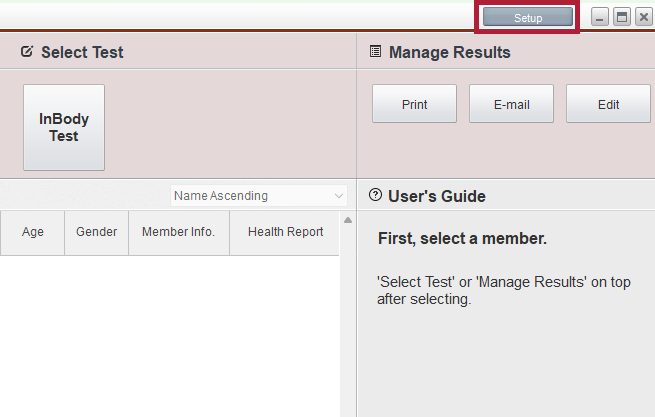
- Then select option 3 ”Results Sheet types / …”

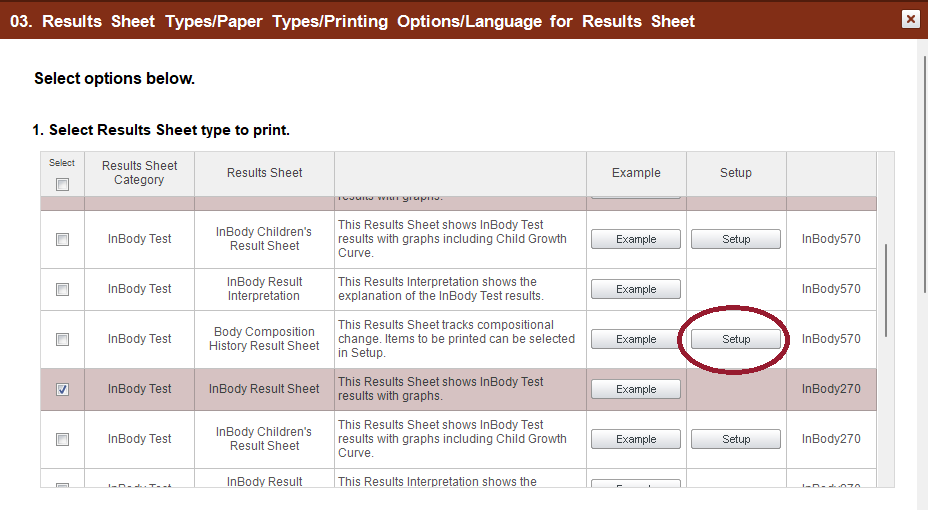
- Click on ”Setup” next to ”Body Composition History Result Sheet” next to the right device
- Here you can select ”Recent” or ”Total” and press ”Save”
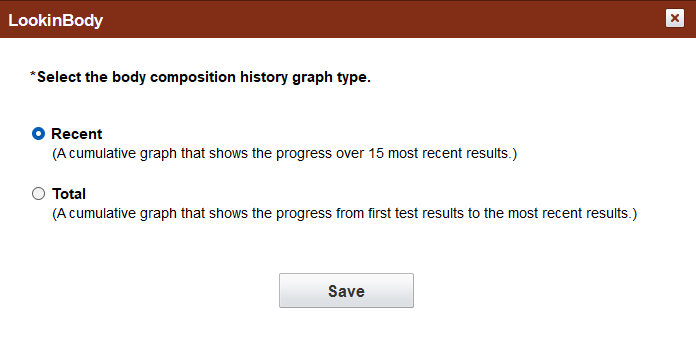
- This setting applies to all measurements done on the device the setting is changed for